If you’ve forgotten how to two hand in Elden Ring, you’re definitely not alone. It’s one of those basic mechanics every Tarnished uses sooner or later, but the input change after launch threw off a lot of players, especially on PC or after stepping away from the game for a while. And honestly, whether you’re pushing through Shadow of the Erdtree with a colossal Strength weapon or just trying to get a little more value out of an early Uchigatana, two-handing matters way more than it first seems. It affects your damage, your moveset, and even whether you can meet certain weapon requirements in the first place.
How to Two Hand in Elden Ring
The exact input depends on what platform you’re playing on. On PlayStation, hold Triangle, then press either R1 or L1. Triangle + R1 two-hands your right-hand weapon, while Triangle + L1 switches to the left-hand weapon instead. On Xbox, it’s the same idea with different buttons: hold Y, then press RB for your right-hand weapon or LB for your left-hand weapon.
The important part here is that this is a hold input, not a quick tap. If you just press Triangle or Y by itself, the game reads that as something else, so timing does matter a bit.
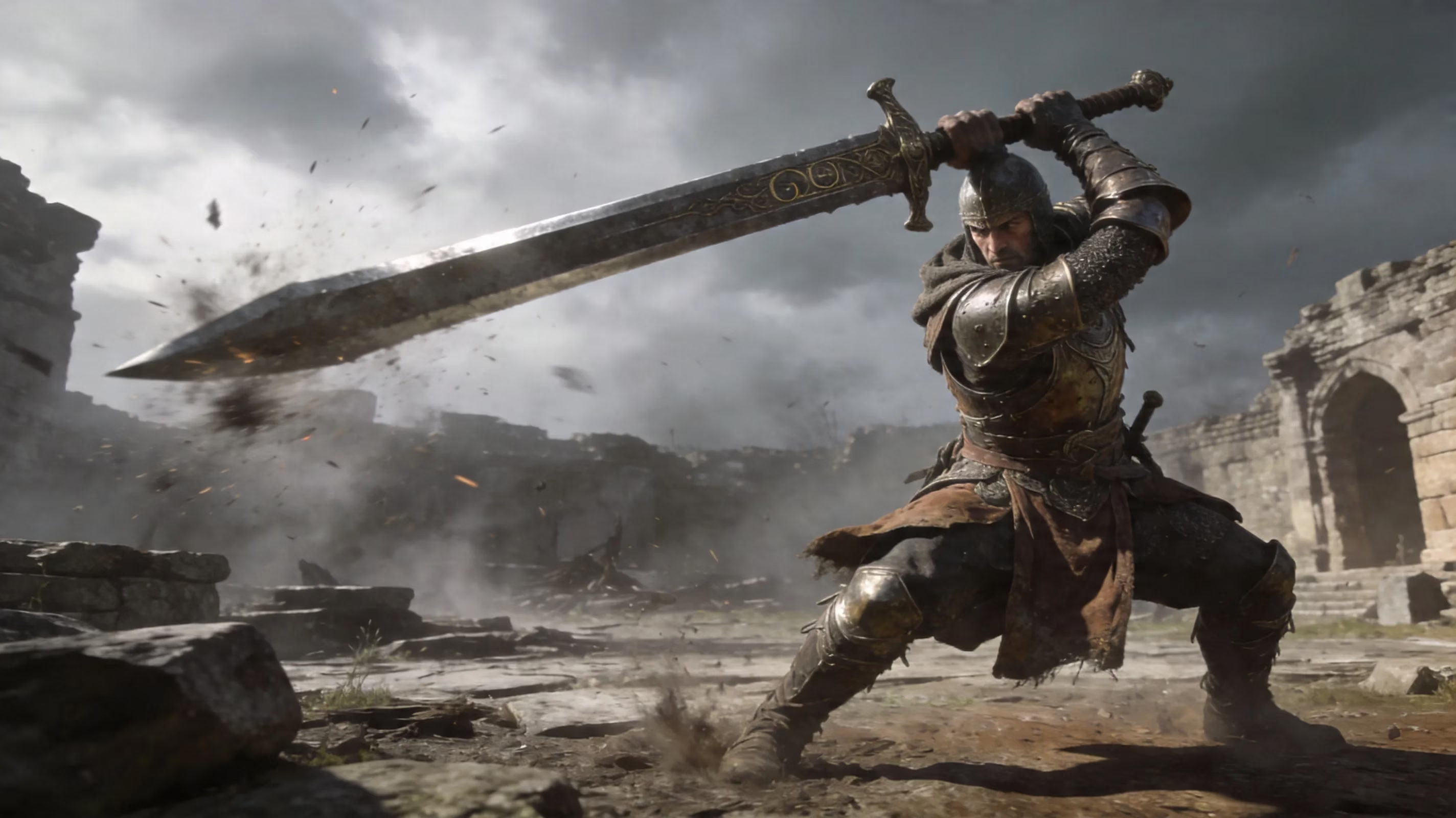
On PC with keyboard and mouse, the default setup usually ties the two-hand action to the E key while selecting the weapon slot you want. That said, PC players run into a really common issue: the game keeps showing controller prompts even when they’re using a keyboard. If that’s happening, go to Settings → Sound and Display → Device for On-Screen Prompts and switch it to Keyboard/Mouse. Once you do that, the correct prompts should show up right away.
There’s also a simple equipment menu fallback that works no matter what platform you’re on. Open your equipment screen, hover over the weapon in the hand slot you want, and use the two-hand command from there. It’s slower, obviously, but it’s reliable, and it helps a lot if you’re still getting used to the input or fumbling it in the middle of a fight.
Two-Hand Controls and Button Mapping
It helps to know what actually changes once you toggle into a two-handed stance. If you two-hand a right-hand weapon, your character grips that weapon with both hands, and your Ash of War skill button still activates that weapon’s skill as normal. What changes is your left-hand slot gets suppressed, so you can’t use your shield or off-hand weapon again until you switch back.
If you two-hand a left-hand weapon, the same logic applies in reverse. Your Tarnished uses that left-hand weapon with both hands, and the skill button now triggers the left-hand weapon’s Ash of War. This comes up more often than people expect with catalysts, since two-handing an off-hand staff or sacred seal lets you cast normally while still keeping your main-hand weapon ready to swap back to.
For PC players, bad prompt display is usually the whole problem. In most cases, changing the Device for On-Screen Prompts setting is enough, and you won’t need to rebind anything. If it still feels off, though, it’s worth checking Steam Input or any overlay software to make sure nothing is conflicting with E or your skill key.
Two-Handing Mechanics in Elden Ring
The big mechanical reason to care about two-handing in Elden Ring is the Strength bonus. When you two-hand a weapon, the game treats your Strength as 1.5x higher for scaling and requirement checks. So if your character has 40 Strength, two-handing makes the weapon behave as if you had 60 Strength for those calculations. That’s a massive deal for stat efficiency.
Here’s a quick look at the most useful breakpoints:
| Actual Strength | Effective Strength (Two-Handed) | Notable Threshold Reached |
|---|---|---|
| 14 | 21 | Meets many lighter weapon minimums |
| 18 | 27 | Meets Claymore minimum requirement |
| 27 | 40 | Hits quality/STR soft cap threshold |
| 40 | 60 | Approaches second scaling soft cap |
| 50 | 75 | Surpasses Strength soft cap at 55 |
| 66 | 99 | Hard cap equivalent for damage scaling |
It’s not just about attack rating, either. Two-handing also changes the moveset for a lot of weapons. Greatswords, colossal swords, greataxes, and similar classes often get different attack arcs, different charged R2 animations, and sometimes even better combo flow than their one-handed versions. In practice, that can make a weapon feel completely different.
There’s also the poise side of things. Some two-handed attacks get hyper armor frames that their one-handed versions don’t, which means you can push through incoming hits more reliably during certain swings. That matters a lot when you’re trading into bosses or trying to force a stagger.
As for Ashes of War, two-handing doesn’t magically add a separate damage multiplier. What it does is boost your effective Strength, and that higher Strength can raise your weapon’s attack rating if the weapon scales well with STR. So a Heavy colossal sword using Lion’s Claw still benefits because the weapon itself is scaling harder. But if the skill is mostly tied to Faith, Intelligence, or elemental scaling, the grip alone won’t suddenly make it hit harder.
Best Times to Two Hand in Elden Ring
Two-handing is at its best on Strength-focused weapons. Colossal swords, great hammers, greataxes, and similar heavy hitters get the most obvious payoff because the 1.5x Strength bonus stacks so well with Heavy affinity and strong STR scaling. If you’re using something like the Greatsword or Giant-Crusher, the jump in attack rating is immediately noticeable.
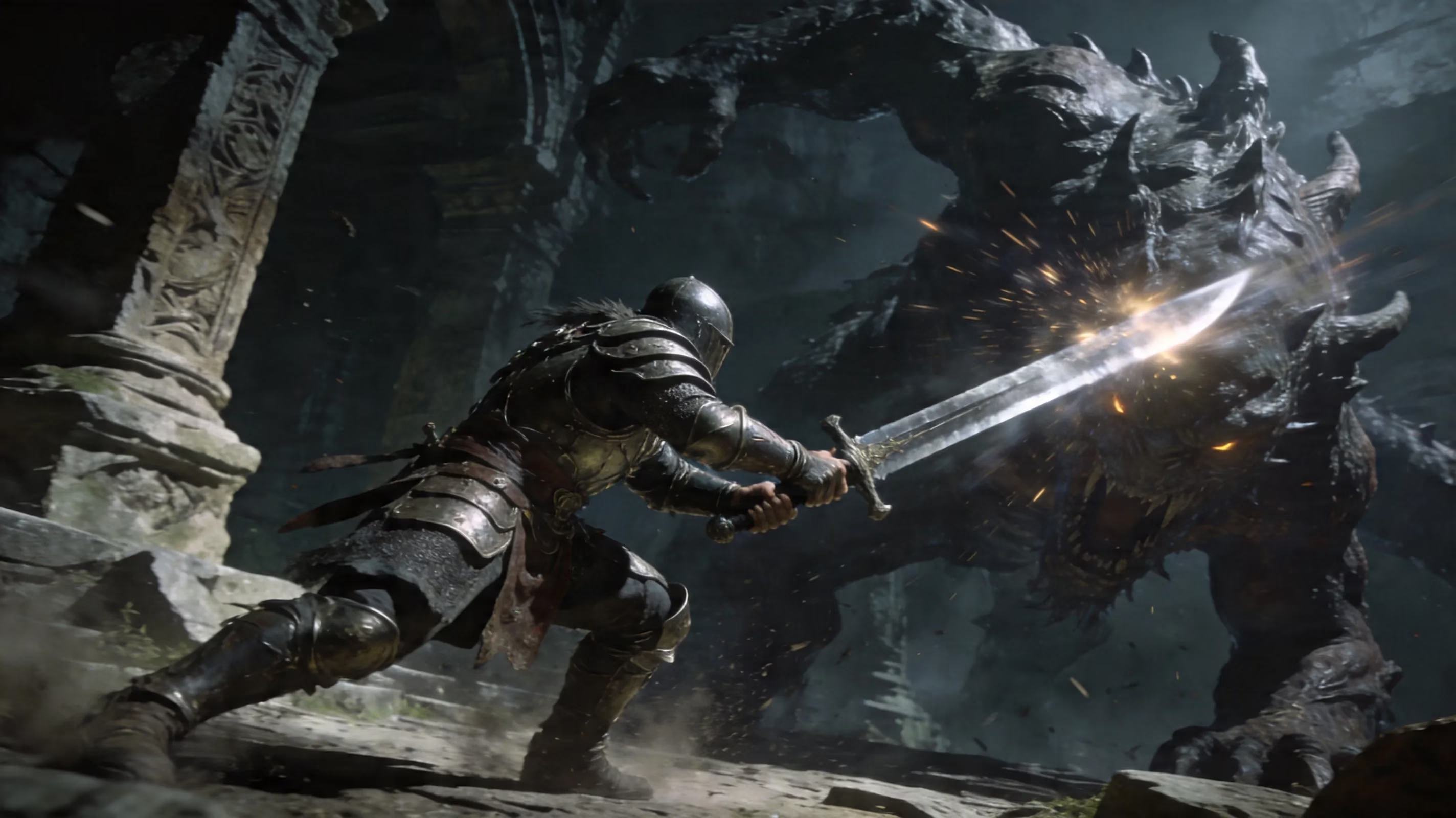
It also shines during stance-break windows. When a boss finishes a long combo and leaves a punish opening, that’s usually your cue to go for a charged two-handed heavy. Late-game bosses, including several in Shadow of the Erdtree, can be pushed into a stagger if you land enough poise damage fast enough. A single two-handed charged R2 from a colossal weapon is often enough to either trigger the break outright or get you extremely close.
A few common situations where two-handing pays off:
-
Against high-poise bosses that don’t flinch easily
-
During long recovery animations after a boss combo
-
When you’re short on Strength and need to meet a weapon requirement
-
On Heavy-infused weapons that scale especially well with STR
The downside is pretty clear: you’re giving up your shield. Once you commit to two-handing, your left-hand defense is gone until you toggle back, which means no blocking and no guard counters. If you’re comfortable dodging and reading telegraphs, that trade is usually worth it. If the fight has fast multi-hit strings or awkward timings, though, going shieldless can get rough very quickly.
Two Hand vs Dual Wield vs Shield
These setups all push your build in different directions, and picking the right one changes how the whole character feels.
Two-handing is the cleanest option if you want strong single-weapon damage and efficient poise damage without investing in a second upgraded weapon. It keeps your Ash of War fully available, boosts Strength scaling, and fits classic STR builds perfectly.
Powerstancing, on the other hand, is more about hit volume than raw per-hit damage. If you dual-wield matching weapon types, especially status weapons, you can stack Bleed, Frost, or other effects much faster than a single weapon ever could. Two katanas with Bleed are the obvious example. The tradeoff is higher stamina use and the cost of upgrading two weapons instead of one.
Shield + one-hand is the safer route. You lose some damage ceiling, sure, but you gain access to blocking and guard counters, which are still one of the most reliable ways to punish aggressive enemies. If you’re learning a boss for the first time, this setup is often the least stressful.
| Configuration | Damage Output | Defensive Capability | Status Application | Best Build Match |
|---|---|---|---|---|
| Two-hand | High | Low (dodge only) | Moderate | Strength, colossal weapons |
| Powerstance | Very High (multi-hit) | None | Very High | Dex/Arcane Bleed, status builds |
| Shield + 1H | Moderate | High (block/guard counter) | Low | Endurance-focused, tanky builds |
Elden Ring Two Hand FAQ
PC not working
If two-handing isn’t working on PC, the most common culprit is a prompt mismatch. The game may still be showing controller icons even though you’re on keyboard and mouse, which makes it look like the input is wrong when it’s really just the display setting. Go to Settings → Sound and Display → Device for On-Screen Prompts and switch it to Keyboard/Mouse.
If that doesn’t fix it, check your keybinds. Some players reassign E to another action and accidentally overwrite the two-hand input. If you’re not sure what changed, resetting controls to default is the fastest way to rule out a bad bind. It’s also smart to check Steam Input or third-party overlays if you use them, since those can create conflicts too.
Weapon still unusable
If the weapon still shows insufficient stats after two-handing, the math usually explains it. Two-handing only boosts Strength. It does not help with missing Dexterity, Intelligence, Faith, or Arcane requirements.
So if a weapon needs 18 Strength and 18 Dexterity, two-handing can cover the Strength side if you’re close enough, but it won’t do anything for low Dexterity. Another easy mistake is selecting the wrong hand slot in the equipment menu, especially if the weapon you want is in your right hand and you accidentally toggle the left-hand slot instead.
There are also some paired weapon exceptions. Certain fist weapons, Twinblades, and other paired setups already default into a special dual-hand stance, so they don’t always behave like standard weapons when you try to two-hand them manually.
Best early weapons
If you’re building around two-handed play early on, a few weapons stand out right away:
- Claymore
Found in Castle Morne, and honestly one of the best early greatswords in the game. It needs 16 Strength and 13 Dexterity to use one-handed, which means a two-handing build only needs 11 Strength for the multiplier to cover that requirement. With a Heavy affinity and 27 Strength, it lands right at the first major soft-cap breakpoint once two-handed.
- Greatsword
The colossal sword in the chest at Caelid’s Caelem Ruins. It asks for 31 Strength one-handed, but only 21 if you plan to two-hand it. That makes it available much earlier than a lot of players expect.
- Uchigatana
Not a Strength weapon, but still a good example of how two-handing helps more than just pure STR builds. Even on a Dex-leaning setup, the added attack rating from the Strength multiplier gives you a little extra damage, especially in the early game.
The 27 Strength breakpoint is the one most players aim for first on a dedicated two-hand Strength build. That turns into 40 effective Strength when two-handed, which lines up neatly with a major soft cap and gives you excellent value for the stat investment.
Conclusion
Knowing how to two hand in Elden Ring really comes down to a quick control check: Triangle/Y + R1/RB for the right-hand weapon, Triangle/Y + L1/LB for the left-hand weapon, and the equipment menu if you want the safe fallback. Once you’ve got that down, the benefits are huge — better effective Strength, stronger movesets on many weapons, and far better stance-breaking potential.
For Strength builds, it’s basically a core mechanic. For everyone else, it’s still a clutch option when you need extra damage, better stagger pressure, or just enough effective Strength to equip something earlier than usual. If you’re heading into legacy dungeons, testing builds, or taking on Shadow of the Erdtree bosses, this is one mechanic you’ll want to have locked in. Happy hunting, Tarnished.